Responsive Design Trends: Techniques and Tools for a Seamless User Experience
 Siddhi Ingale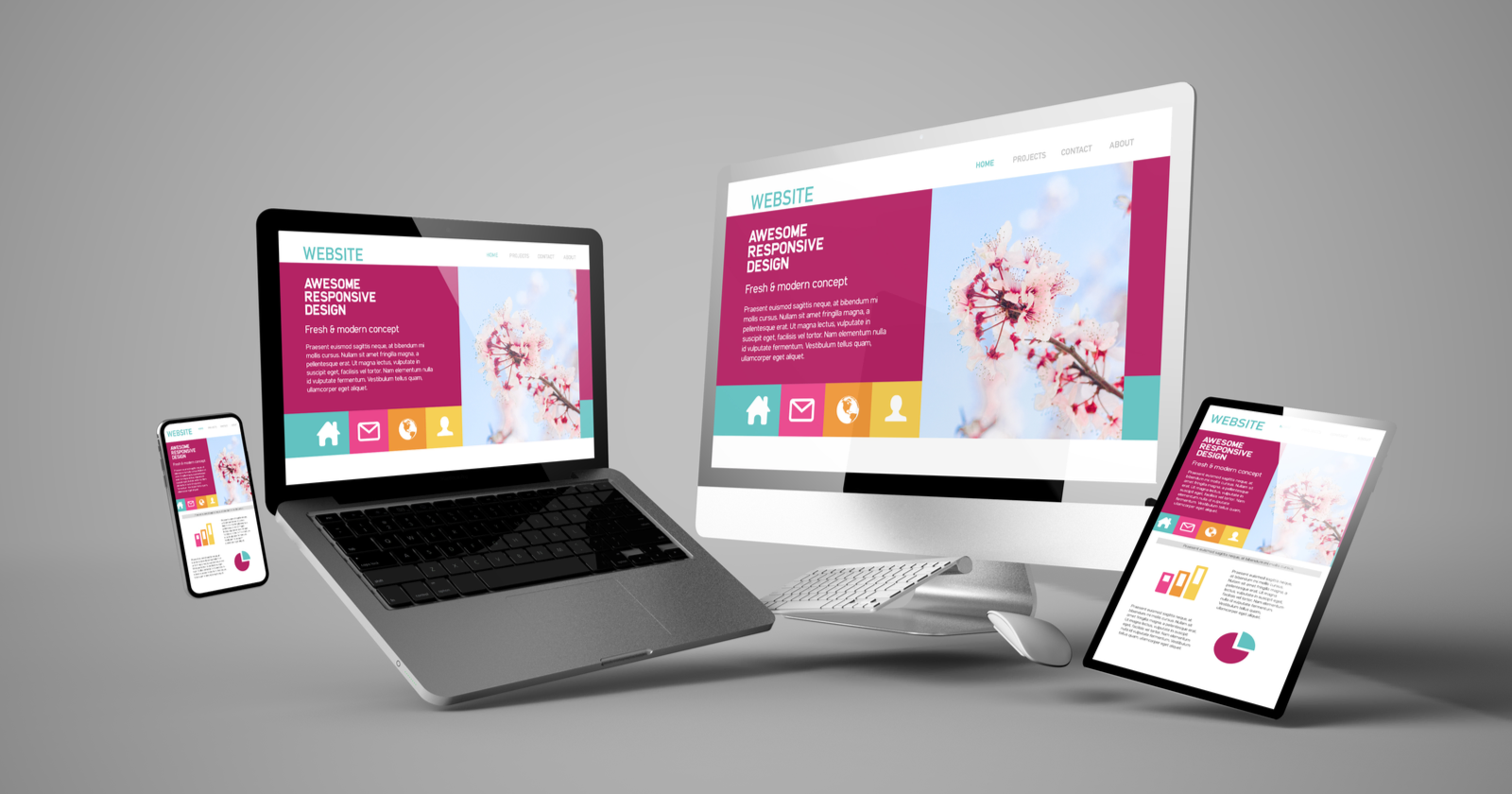
In the digital age, the way we access websites has diversified significantly. With a multitude of devices ranging from smartphones and tablets to laptops and desktops, ensuring a seamless user experience across all these platforms is more crucial than ever. This is where responsive design comes into play, allowing websites to adapt and look great on any screen size. In this blog, we will explore the latest responsive design trends, delve into effective techniques, and introduce cutting-edge tools and frameworks that are revolutionizing web design.
The Evolution of Responsive Design
Responsive design is not just a trend but a necessity in today’s web development landscape. It refers to the practice of creating websites that provide an optimal viewing experience across a wide range of devices, from desktops to mobile phones. This approach ensures that the website’s layout, images, and functionalities adjust seamlessly to the screen size and orientation, enhancing user experience and engagement.
Key Principles of Responsive Design:
1. Fluid Grids: Using fluid grids with relative units (percentages, ems) instead of fixed units (pixels) ensures that the layout adapts to different screen sizes.
2. Flexible Images: Images should be scalable and responsive, using CSS properties like `max-width: 100%` to prevent overflow and maintain aspect ratio.
3. Media Queries: CSS media queries are essential for applying different styles based on the device’s characteristics, such as width, height, and resolution.
Latest Responsive Design Trends
1. Mobile-First Approach
The mobile-first approach prioritizes designing for the smallest screen sizes first and then scaling up. This method ensures that the website’s core functionality and content are optimized for mobile users, enhancing performance and usability across all devices.
Implementation Tip: Start with a mobile layout and use CSS media queries to progressively enhance the design for larger screens. This approach can significantly improve load times and user experience on mobile devices.
2. Flexbox and Grid Layouts
CSS Flexbox and Grid Layout are powerful tools for creating complex, responsive layouts with minimal code. Flexbox simplifies the alignment and distribution of space among items in a container, while CSS Grid Layout provides a two-dimensional grid system for arranging elements in rows and columns.
- Flexbox: Ideal for one-dimensional layouts, Flexbox allows easy alignment and spacing of elements with properties like `justify-content`, `align-items`, and `flex-direction`.
- CSS Grid: Perfect for two-dimensional layouts, CSS Grid lets you create complex grid structures with properties like `grid-template-rows`, `grid-template-columns`, and `grid-gap`.
Example
.container {
    display: grid;
    grid-template-columns: repeat(auto-fit, minmax(250px, 1fr));
    gap: 20px;
}
This CSS Grid example creates a responsive grid with columns that adjust based on the viewport size.
3. Aspect Ratio Boxes
Maintaining consistent aspect ratios for images and videos ensures that content is visually appealing and properly scaled on different devices. The `aspect-ratio` property in CSS simplifies this process, allowing developers to set a fixed aspect ratio for elements.
Example
.aspect-ratio-box {
    aspect-ratio: 16 / 9;
    background-color: #ccc;
}
This CSS rule ensures that the element maintains a 16:9 aspect ratio, regardless of the screen size.
4. Viewport Units and Fluid Typography
Viewport units (vw, vh, vmin, vmax) and fluid typography allow text and elements to scale smoothly based on the viewport size. This technique ensures that fonts and elements are readable and proportionate on any device.
Example
h1 {
    font-size: 4vw;
}
This CSS rule sets the font size of `h1` to 4% of the viewport width, making the text responsive and proportionate.
Essential Tools and Frameworks for Responsive Design
1. Bootstrap 5
Bootstrap is one of the most popular front-end frameworks for developing responsive, mobile-first websites. Bootstrap 5 comes with a robust grid system, pre-designed components, and utility classes that make it easy to build responsive layouts without writing extensive CSS.
- Features: Responsive grid system, flex utilities, components, and responsive utilities.
- Usage Tip: Leverage Bootstrap’s grid system and utility classes to quickly prototype and build responsive designs.
Example
<div class="container">
    <div class="row">
    <div class="col-sm-6 col-md-4">Column 1</div>
    <div class="col-sm-6 col-md-4">Column 2</div>
    <div class="col-sm-12 col-md-4">Column 3</div>
    </div>
</div>
This example uses Bootstrap’s grid system to create a responsive layout with different column sizes for different screen widths.
2. Foundation by Zurb
Foundation is a responsive front-end framework that offers a flexible grid system, responsive design tools, and pre-built components. It is known for its lightweight and modular structure, making it ideal for creating responsive websites and applications.
- Features: Responsive grid system, flexible components, and accessibility features.
- Usage Tip: Use Foundation’s grid and layout utilities to create responsive designs with minimal code.
Example
<div class="row">
    <div class="small-12 medium-6 large-4 columns">Column 1</div>
    <div class="small-12 medium-6 large-4 columns">Column 2</div>
    <div class="small-12 large-4 columns">Column 3</div>
</div>
This Foundation example demonstrates the use of the grid system with different column sizes for different screen sizes.
3. Tailwind CSS
Tailwind CSS is a utility-first CSS framework that allows developers to style components by applying utility classes directly in the HTML. This approach promotes a highly modular and maintainable codebase, making it easy to create responsive designs.
- Features: Utility classes for spacing, typography, layout, and more.
- Usage Tip:Combine utility classes to build responsive designs quickly and maintainably.
Example
<div class="grid grid-cols-1 md:grid-cols-2 lg:grid-cols-3 gap-4">
  <div class="bg-gray-200 p-4">Item 1</div>
  <div class="bg-gray-200 p-4">Item 2</div>
  <div class="bg-gray-200 p-4">Item 3</div>
</div>
This Tailwind CSS example uses grid utilities to create a responsive layout with different column configurations at various screen sizes.
4. CSS Grid Layout
CSS Grid Layout is a powerful tool for creating complex, two-dimensional layouts. It allows developers to define rows and columns and place items within them, making it easy to create responsive and dynamic designs.
- Features: Grid template areas, grid gaps, and responsive grid properties.
- Usage Tip:Use CSS Grid’s `grid-template-areas` and `grid-template-columns` properties to design responsive layouts with ease.
Example
.container {
    display: grid;
    grid-template-columns: repeat(auto-fit, minmax(250px, 1fr));
    gap: 20px;
}
This CSS Grid example creates a flexible grid layout that adjusts based on the viewport size.
Advanced Techniques for Enhanced Responsiveness
1. CSS Variables for Theming
CSS variables (custom properties) allow you to define reusable values for colors, fonts, and other properties. This technique makes it easy to maintain consistent styling and adapt themes for different devices.
Example
:root {
    --primary-color: #3498db;
    --secondary-color: #2ecc71;
}

body {
    color: var(--primary-color);
    background-color: var(--secondary-color);
}
This example defines CSS variables for primary and secondary colors, making it easy to update the theme across the website.
2. Lazy Loading and Performance Optimization
Lazy loading images and resources improve page load times and performance. Techniques like lazy loading, asynchronous loading, and code splitting help reduce the initial load time and enhance the user experience.
Example
<img src="image.jpg" loading="lazy" alt="Lazy Loaded Image">
This HTML attribute ensures that the image is loaded only when it comes into the viewport, reducing initial load time.
3. SVGs and Icon Fonts for Scalability
SVGs (Scalable Vector Graphics) and icon fonts provide scalable, resolution-independent graphics that look crisp on any screen size. They are lightweight and easily customizable, making them ideal for responsive design.
Example
<svg width="100" height="100">
    <circle cx="50" cy="50" r="40" stroke="black" stroke-width="3" fill="red" />
</svg>
This SVG example creates a simple circle graphic that scales smoothly on different devices.
Advanced Techniques for Enhanced Responsiveness
1. Use Browser Developer Tools
Browser developer tools are invaluable for testing and debugging responsive designs. Tools like Chrome DevTools and Firefox Developer Edition allow you to simulate various devices, screen sizes, and resolutions, ensuring that your design looks and functions correctly across all platforms.
2. Cross-Browser Compatibility Testing
Ensure your website works consistently across different browsers and devices. Tools like BrowserStack, CrossBrowserTesting, and Sauce Labs provide comprehensive testing environments, helping you identify and fix compatibility issues.
3. Performance Monitoring and Analytics
Utilize tools like Google Lighthouse, WebPageTest, and GTmetrix to monitor and analyze your website’s performance. These tools provide insights into load times, performance metrics, and opportunities for optimization, helping you ensure that your site delivers a fast and smooth user experience.
Example of using Lighthouse:
1. Open Chrome DevTools.
2. Go to the “Lighthouse” tab.
3. Select the devices and performance metrics you want to test.
4. Click “Generate report” to receive a detailed analysis and suggestions for improvement.
4. Implementing Progressive Web App (PWA) Features
Enhance your responsive website by implementing PWA features, such as offline support, push notifications, and app-like functionality. PWAs improve user engagement and retention, providing a seamless experience across all devices.
Key PWA Features to Implement:
- Service Workers: Enable offline functionality and background tasks.
- Web App Manifest: Create a manifest file to define the app’s name, icons, and theme color.
- Push Notifications: Use the Push API to send timely updates and notifications to users.
Example
{
    "short_name": "MyApp",
    "name": "My Progressive Web App",
    "icons": [
        {
        "src": "icons/icon-192x192.png",
        "type": "image/png",
        "sizes": "192x192"
        },
        {
        "src": "icons/icon-512x512.png",
        "type": "image/png",
        "sizes": "512x512"
        }
    ],
    "start_url": ".",
    "display": "standalone",
    "background_color": "#ffffff",
    "theme_color": "#000000"
}
This manifest file configures the PWA’s icons, start URL, background color, and theme color, ensuring a consistent and engaging experience for users.
Conclusion: Staying Ahead with Responsive Design
Responsive design is a cornerstone of modern web development, ensuring that websites provide a seamless and engaging experience across all devices. By adopting the latest trends, techniques, and tools, you can create websites that are not only visually appealing but also fast, reliable, and user-friendly.
Key Takeaways:
- Adopt a Mobile-First Approach: Prioritize mobile design to enhance performance and usability across all devices.
- Utilize Modern CSS Features: Leverage Flexbox, CSS Grid, and CSS Variables for creating flexible and maintainable layouts.
- Embrace PWAs: Enhance user engagement with offline support, push notifications, and app-like functionality.
- Test Thoroughly: Use browser developer tools, cross-browser testing services, and performance monitoring tools to ensure a seamless user experience.
As technology continues to evolve, staying updated with the latest trends and best practices in responsive design will be crucial for delivering exceptional web experiences. Whether you’re a seasoned developer or just starting, embracing these strategies will help you build websites that stand out in today’s competitive digital landscape. Start implementing these practices today and take your responsive design skills to the next level!